
Parent Portal & Advanced Admissions
Overview
AE-Connect provides parent the ability to complete registration/enrollment online via the parent portal. Parent Portal URL is https://connect.adventisteducation.org
Description
Logging in
Parent will log into their parent portal to complete registration/enrollment.
- Parents who have never logged in to the Parent Portal before will receive a welcome email from ae-connect@guildhousegroup.com. The email will be welcoming you to the Parent Portal and contain your username and a password.
- Example Welcome Email format.
-
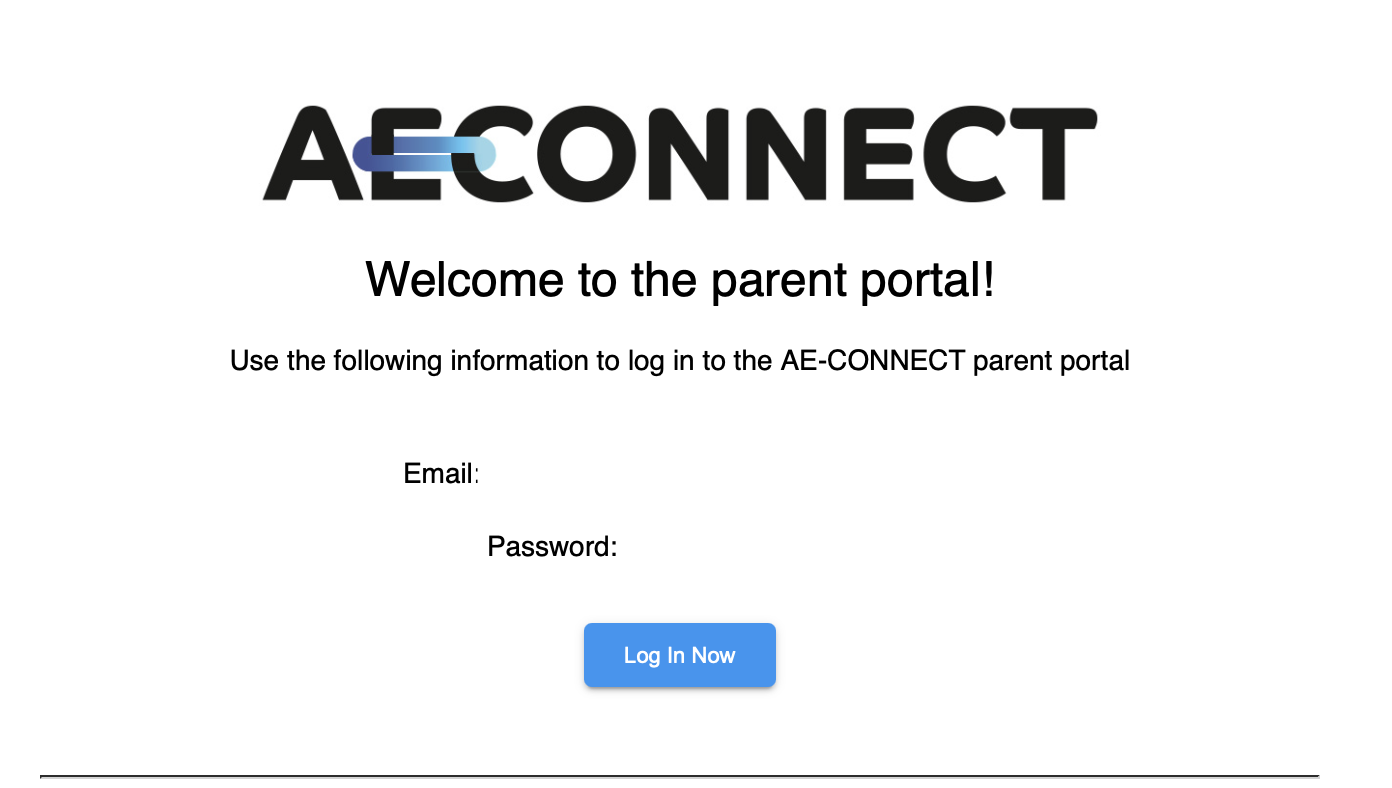
- Parents who have logged in before should use their known login information to log in. Parents who forgot their login information can reset their password via the "Forgot Password" on the homepage of AE-Connect.
-

Enrollment Checklist
Once parents are logged into the Parent Portal AND the school has assigned your student (s) a process and activated the Admissions. The parent will see Enrollment Checklist next to each student in their Parent Portal. Enrollment Checklist is by student not parent. Parents must complete the Enrollment checklist for all students.
The Enrollment checklist has two sections.
- Checklist - contains all the paperwork to be completed.
- The user should select start on each one to complete the forms. Once forms are submitted they are locked. However, you can reach out to the school to unlock a form for completion again or for any changes.
- Documents - parents should upload documents schools specify.
Picture of Enrollment Checklist Example

Picture of Document Example
