
September 2026 _Updates
AE-Connect updates released September 3, 2026
Admissions
- Implemented filtering for AE-Connect Plus admissions. Users can now sort by the column headers or use the available filters to narrow the view by grade level, process, or both.

- Provide the school with the ability to add additional parents in the Student Admissions Dashboard and manage parent access for students who are currently in the admissions process prior to enrollment for the school year.

- For students with multiple admissions processes, group all processes together, with the newest process displayed first. The school may select the down arrow to review the other processes and confirm the status of enrollment. This approach reduces clutter in the student lists by avoiding duplicate student names.

- Updated Printing of Admissions forms so fields that have no Help Text will print properly on forms.
- Updated Importing of Student Records for students who are showing errors when trying to import. (continued updates coming)
- Ability to print ALL Admissions form for a student in in a packet. When user selects Print Form it downloads the forms to the computer browser. User can find this in Student Admissions Dashboard > Forms

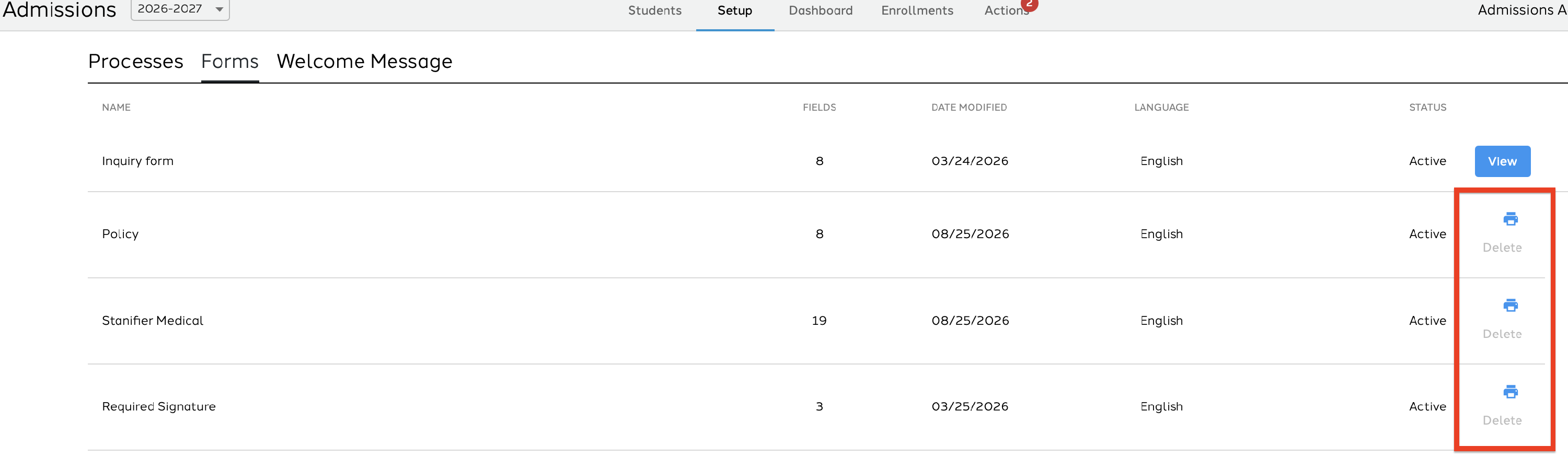
- Ability to print one form for all students. When printing a specific form for all students once processed the user will find the forms in their notifications. This can be found in Admissions > Setup > Forms > select the print button next to the form the user wants to print.
- Ability to message parents who are in an admissions process. Users can select Admissions > Students and select Message Parents and then choose one or more processes to message.

Attendance
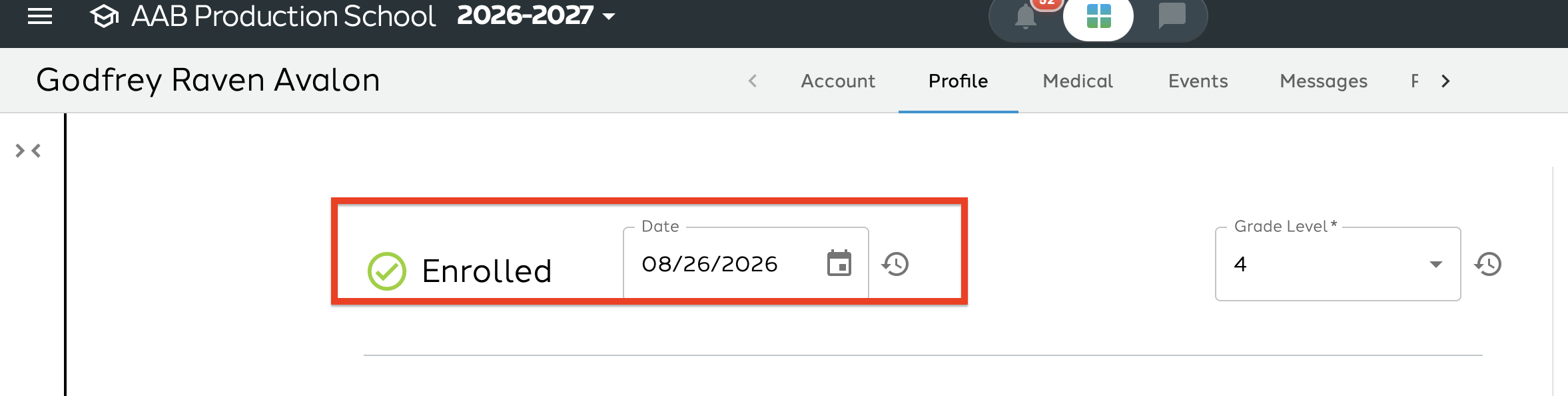
his year, attendance is filtered based on the student enrollment date. If you notice that a student is not appearing in attendance on a date you expect to take attendance for them, please refer to the student record > profile to update their enrollment date.
Messaging
Users can now reply to emails sent from AE-Connect directly from their email client, including Gmail, Outlook, Hotmail, and others. The reply will be sent back to AE-Connect so that the teacher can review it. The teacher will receive a notification on their messaging icon indicating that they have received a new message.

Reports
Added additional class filtering to the Class Attendance Report and Attendance Summary.
Students
Updated Students alphabetizing in Classes, Social Development and Report Cards to provide consistency in how students appear in list. All Students are alphabetized by Last Name, First Name.
Notifications
School-Wide
Notifications are now driven by the school, rather than on a parent-by-parent basis. Before enabling permissions at the school level, please ensure that parents are marked as custodial. “Custodial” is a checkbox in each parent account, and it must be selected for each parent individually. We only auto-activate permissions for parents who have “Custodial” or “Primary custodial” selected in their parent account. Notification: Managing School-wide notifications guide.
Provided a new notification for when an email bounces. Emails tend to bounce if they are not spelled correctly, the recipient's inbox is full, or the recipient deleted the email without notifying the school. When an email bounces, users with permission to Email Log will be notified. Once the user receives the notification, they can select it and address the issue directly from the Email Log screen if needed, or review the reason the email was rejected.


